
Writing · September 5, 2026
Notes on Cloudflare OS
Cloudflare OS makes building a tool nearly free. The question for an enterprise is what that tool is allowed to touch.
In this essay: Cloudflare OS, an open-source agent workspace from CloudflareCloudflare open-sourced Cloudflare OS at the start of August. It is an agent workspace built on Workers: a chat, a sandbox where the agent writes and runs code, governed connectors into a company’s systems, and a way to turn a conversation into a small shareable app it calls a gadget. Cloudflare says its own employees built more than four thousand of these in the first month. I should say up front that I am a Cloudflare customer and a happy one. This site runs on their network, and what keeps me there is how little there is to think about. So I got curious, and I had an AI agent using OpenClaw set it up on the Ubuntu box under my desk: bound to localhost, wrapped in a systemd service, and exposed only over Tailscale so nothing outside my tailnet can reach it. It even renamed it Hone OS for me.
The onboarding is the best part of the first hour. Create a profile, choose a model, connect a few services, and you are looking at a home screen that asks what you are working on. That is more polish than I expected from something marked early access.
Running Cloudflare OS on a local model
Then you send the first prompt. Out of the box, the model picker offered what was already running on that machine through Ollama: Gemma 4 E4B as the quick default, because it fits entirely on the RTX 3060, plus Qwen 3.5 9B and Qwen 3.8 27B. With the small ones, the workspace is close to useless. The 27B model is a fair conversational partner, slower because 17 GB of weights are split between the GPU and system memory, and it could describe the gadget I asked for correctly. It just would not reliably call the tools that build it. The interface is built around an agent that can plan, write files, run code, and fix its own mistakes, and none of these models carried that loop. Nothing about the design is wrong. The engine is just not there.
Out of the box, it is pretty useless unless you connect a better model.
Connecting a Codex subscription through a bridge
You can add an API key for the big providers in a couple of clicks. What I wanted was the Codex subscription I already pay for, which is not an option in the picker. So I had the agent build one. It wrote a small bridge that speaks the OpenAI-style protocol Cloudflare OS expects on one side and talks to the official Codex app-server on the other, then registered it in the picker as Codex Subscription (Remote). The subscription sign-in stays inside the Codex client. No tokens are copied anywhere.
The part I care about is where the tools run. When Codex wants to write a file or list the available blueprints, the bridge pauses the call and hands it back to Cloudflare OS, which executes it under its own approval flow and returns the result so the same Codex thread can continue. Inside Codex, the bridge turns off the shell, the browser, MCP, plugins, and web search, and runs its threads read-only. It also only listens on loopback. The model does the thinking. The workspace keeps the hands.
The agent then tested it the way I would want an engineer to: eight deterministic checks on the bridge for plain text, streaming, tool calls, tool-result continuation, timeouts, bad and oversized requests, error redaction, and refusing anything that is not loopback. Then a live run against the subscription, then an automated end-to-end gadget build that finished in about twelve seconds. Then the real thing. I asked for a Pomodoro timer and got a working app, with the Accept and Discard step intact.
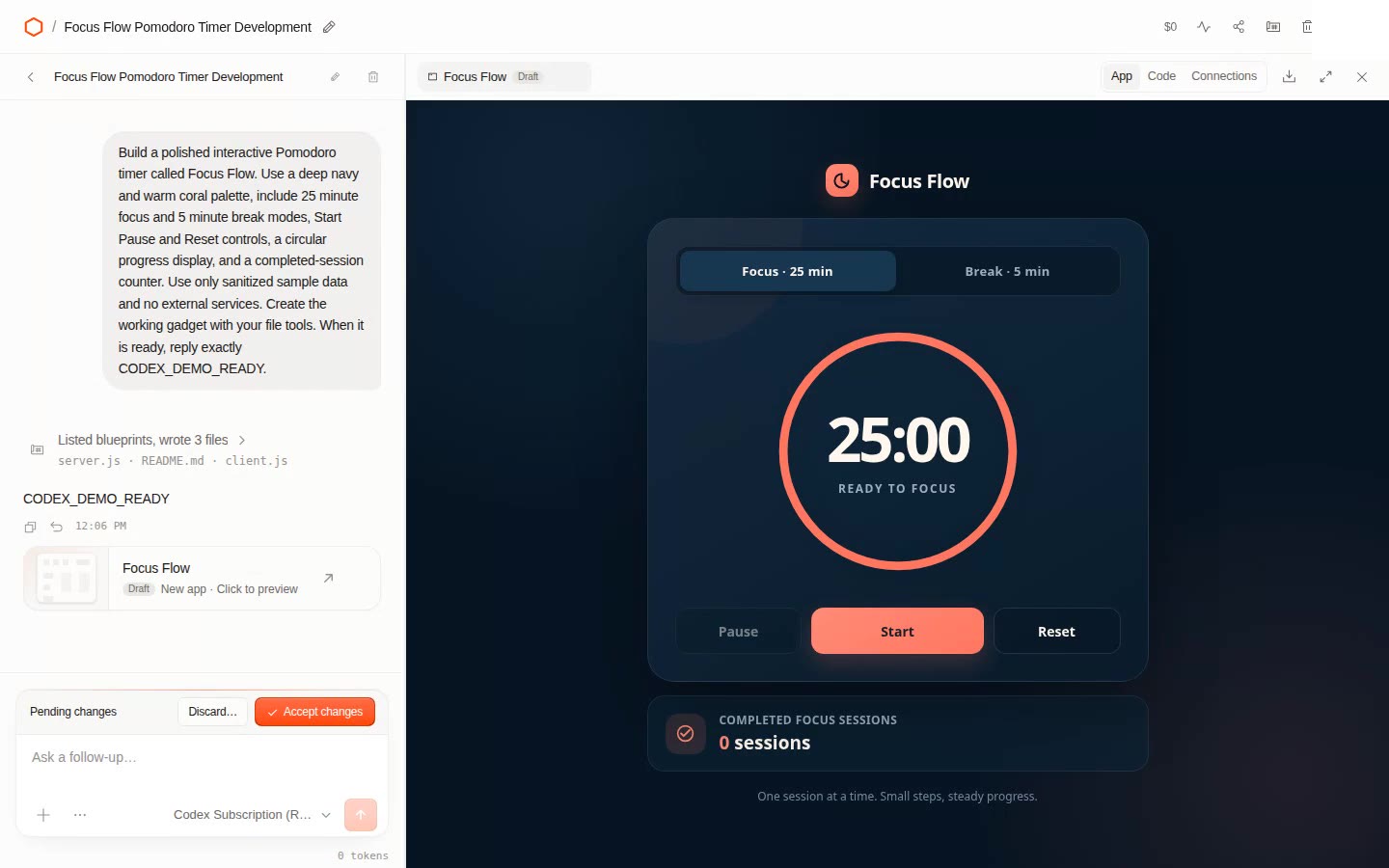
A normal user should not have to do any of that. But it is the kind of thing an open-source workspace makes possible, and it is the moment the product started to make sense.
Building and reviewing a gadget
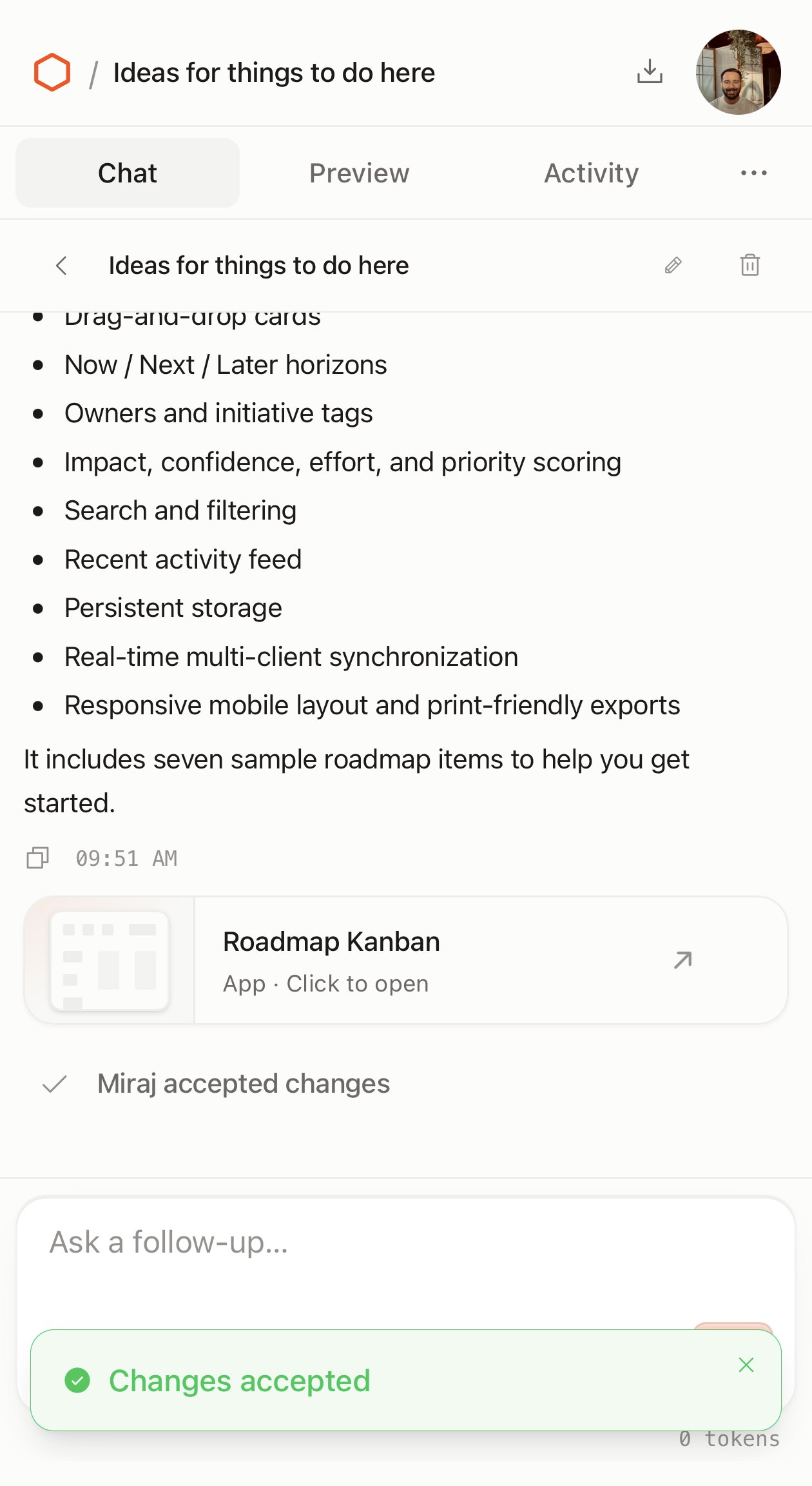
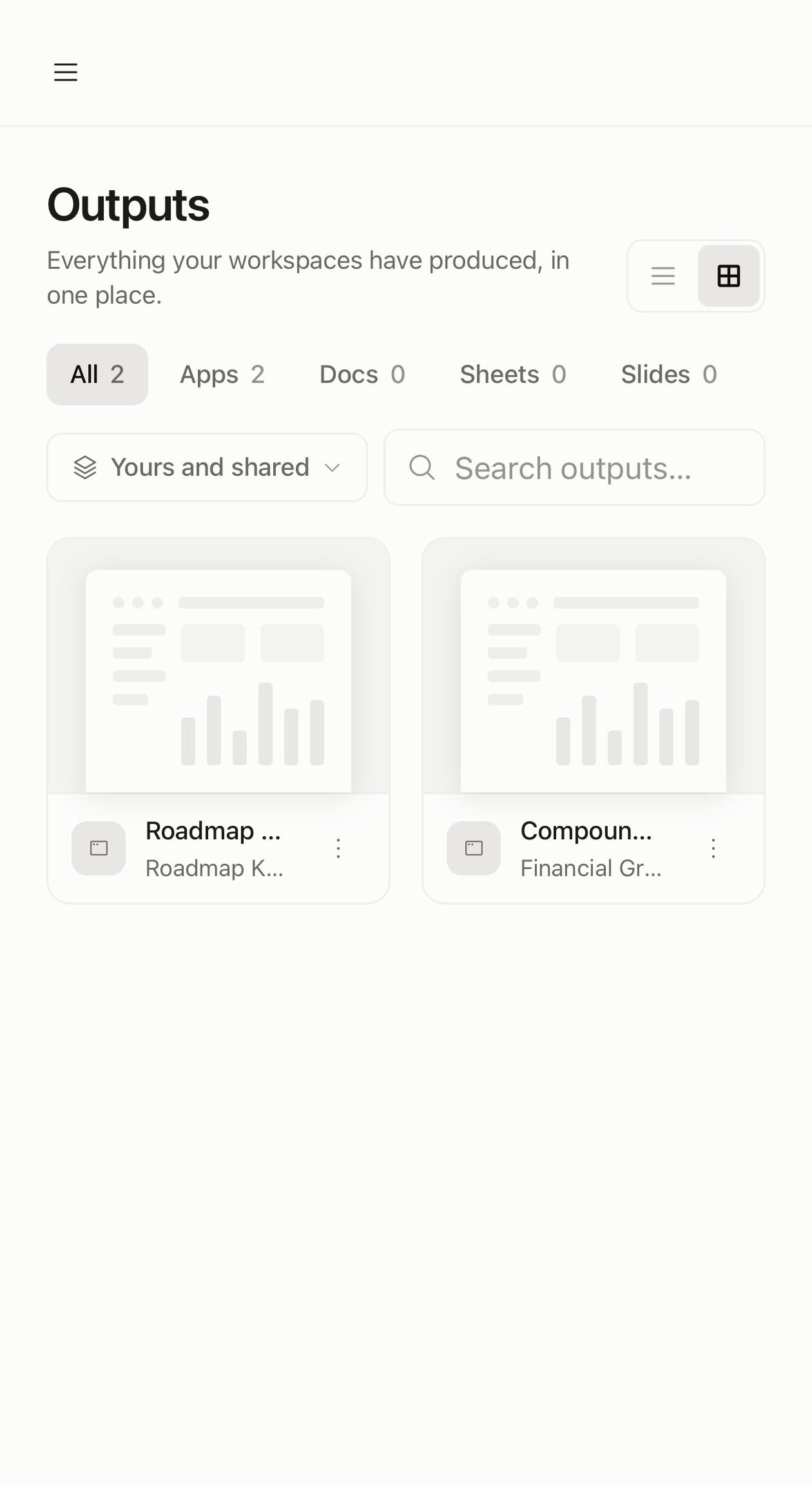
With a capable model behind it, the build flow was surprisingly intuitive. I asked for a manageable Kanban board for product roadmap mapping and management. The agent wrote a server, a client, and a README, ran the code, and handed back a draft app with pending changes I could preview, accept, or discard. Accepting it made it a real output in the workspace, listed beside the docs, sheets, and slides the same flow produces.
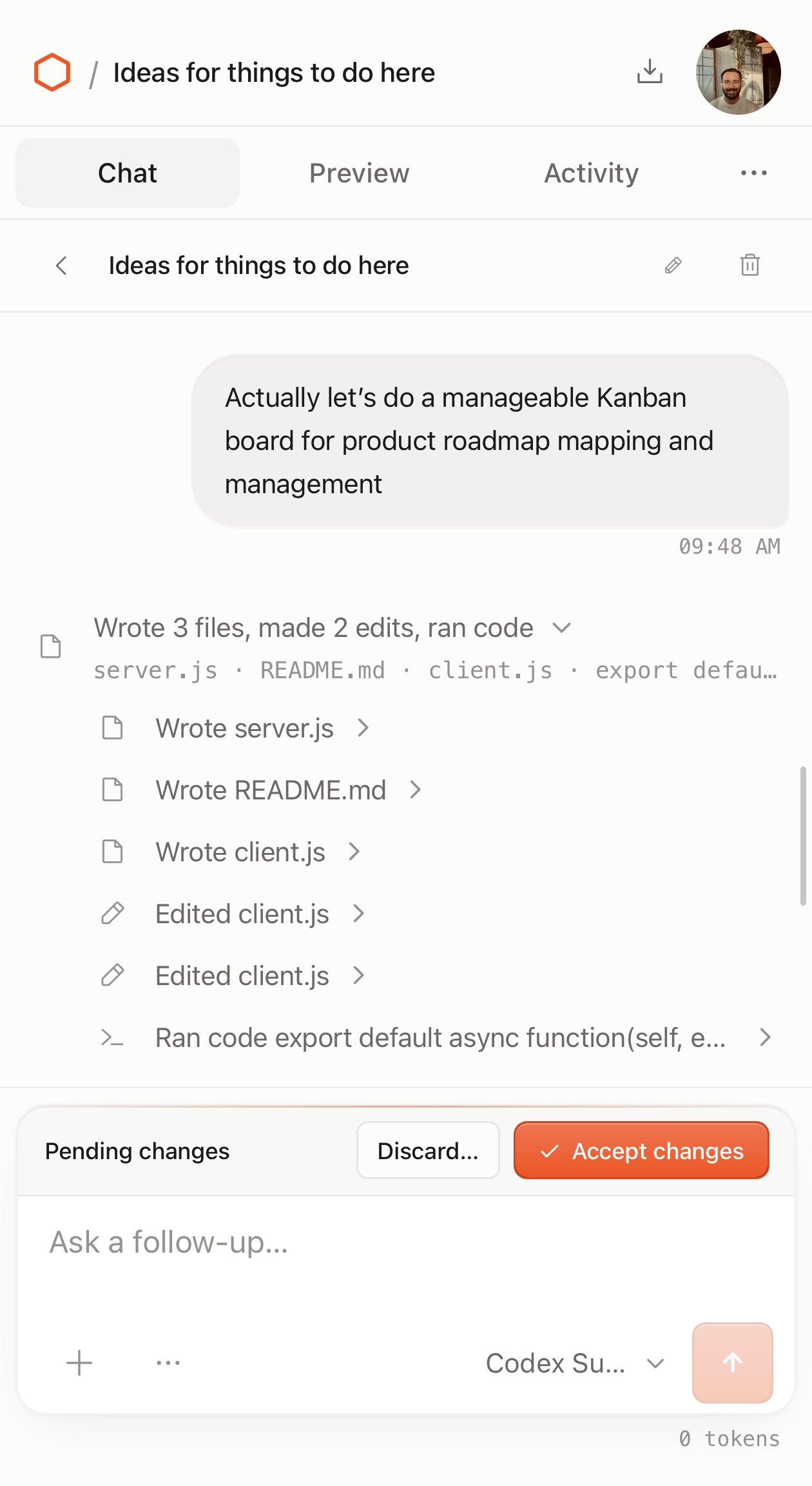
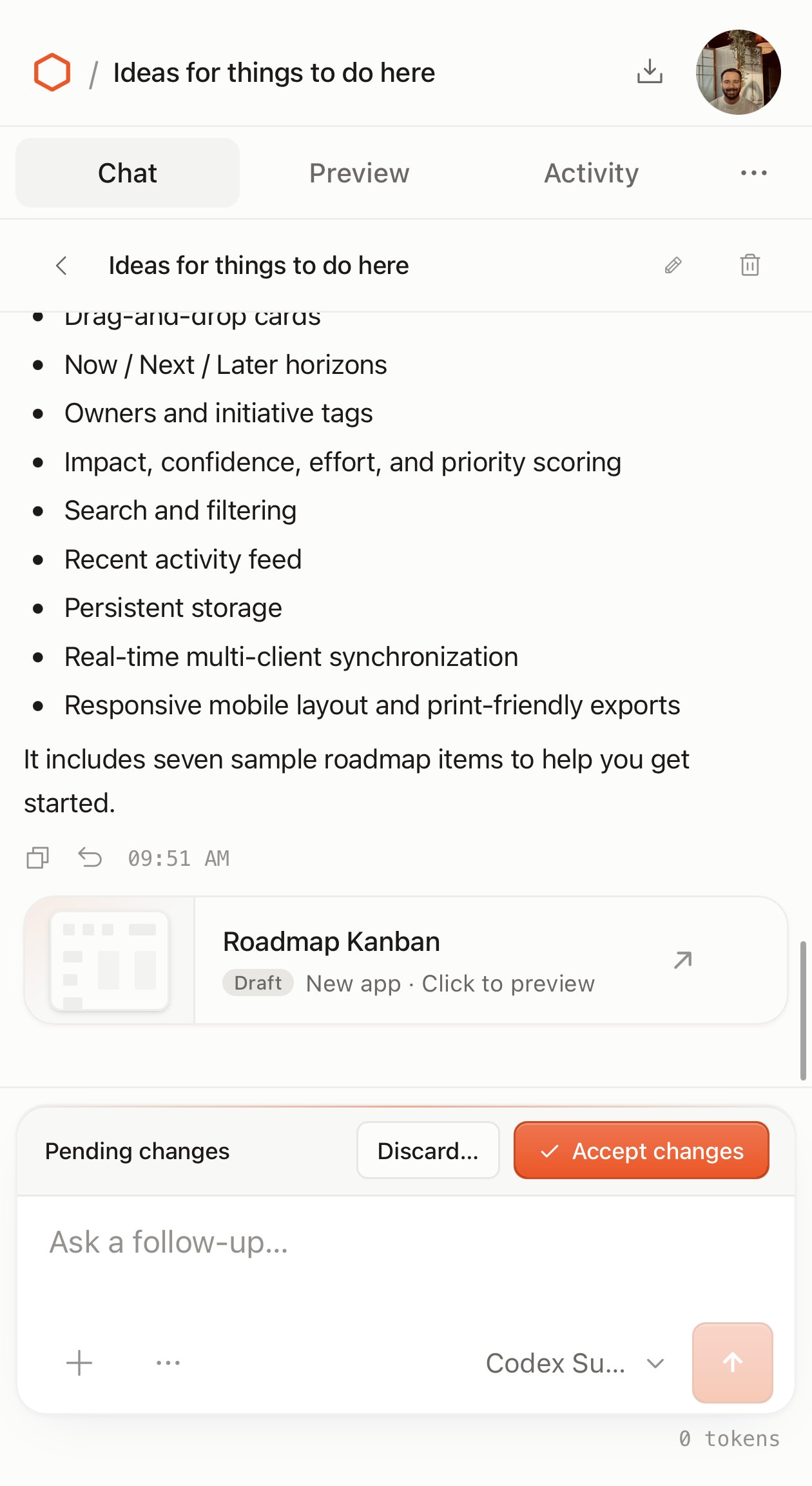
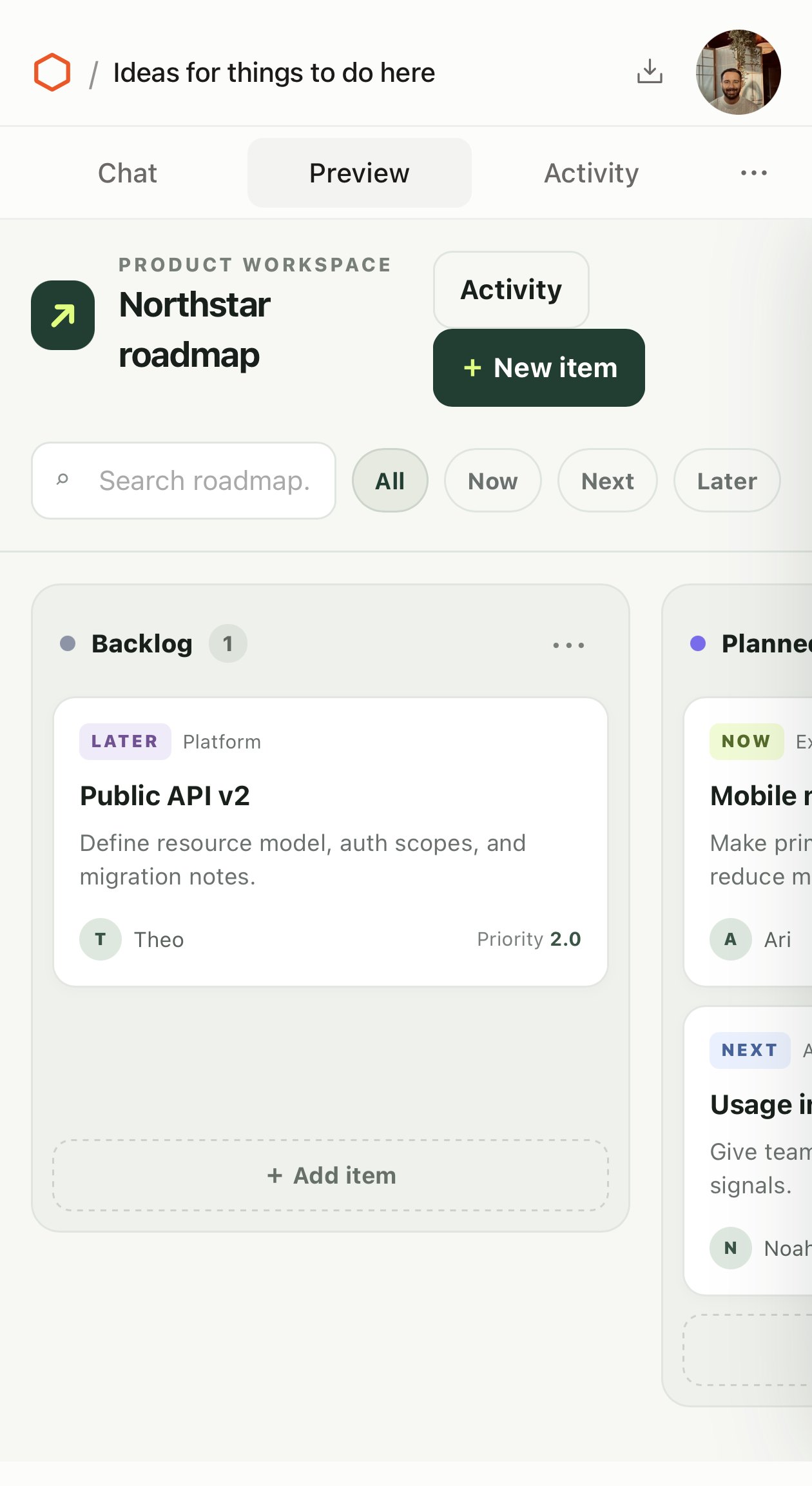
That review step is the part I liked most. The draft, the preview, and the accept button sit in one place, and the thing you accept is a running app, not a code snippet you still have to go deploy. Nothing reaches the workspace without a person saying yes to it.
What an enterprise should ask of an AI tool builder
This is the part I keep coming back to. AI has made building a tool nearly free. Four thousand gadgets in a month is not a demo number, it is what happens when anyone in a company can describe a tool and have it exist by lunch. At that volume, the old way of keeping software safe cannot work. Nobody is going to review four thousand apps before they ship. So the safety has to move out of the process and into the platform.
Cloudflare’s answer is structural. Every gadget runs in its own sandbox. Every connection to a real system goes through a gatekeeper that enforces narrow access and asks a human when it matters. The model never holds a credential. My bridge is the same idea applied one layer down, to the model provider: Codex can think all it likes, but every file write and every tool call comes back through the workspace to be approved. Nothing depends on the model behaving. It depends on the harness.
Nothing depends on the model behaving. It depends on the harness.
That is a different way to evaluate an AI tool-builder than the one most enterprises are using. The demo will always look good. The questions that matter are about where the hands are.
- Where does generated code run, and what can it reach by default?
- Who approves a change, and is that approval enforced or advisory?
- Does the model ever hold a credential?
- Can a thousand small tools exist without a thousand reviews?
- What happens when one of them needs to become a product?
That last question is where Cloudflare OS and a builder like Synthetiq stop overlapping. Cloudflare OS is built for the gadget: personal, modifiable, disposable, never meant to leave the workspace. That is a deliberate answer to what I called the work after the prompt. It avoids most of that work by keeping the app small and inside the harness. Synthetiq starts from the other end: an app that someone outside the team will depend on, with a requirements record, review, versions, authentication, and a real deployment. Both make the same bet, that building is now cheap. They differ on what happens after. An enterprise probably needs both: a safe place for the thousand tools that should stay gadgets, and a path for the few that should become products.
As for me, right now, I am struggling to find the use case. Every experiment produced something pleasant to look at and nothing I would open again on Monday. For a document, I have better tools. For an app a real person will depend on, I would reach for a builder that carries it through review and deployment. For a quick answer, I would ask the agent that already has my context. The enterprise pitch is real on paper, but it depends on connectors wired to the systems people actually use, on a model budget that makes the agent worth talking to, and on someone maintaining the thing. Take those away and it is a very good demonstration of what this kind of interface could become.
The interface is ahead of the reason to use it. That is not a criticism of the design. It is a note about where this category is. A better model turned Cloudflare OS from a nice demo into a working one. It has not yet turned it into something I would miss. In fact, I am taking it down. What it did show me is the shape of the thing an enterprise should be asking for: tools that are cheap to build and safe to run, with the hands kept where the company can see them.